
iPad & Tablet Repair in Courtice
Over 9 Years of repair experience
90-Day warranty on repairs
Cracked screen? Battery draining?
Not charging? Not turning on?
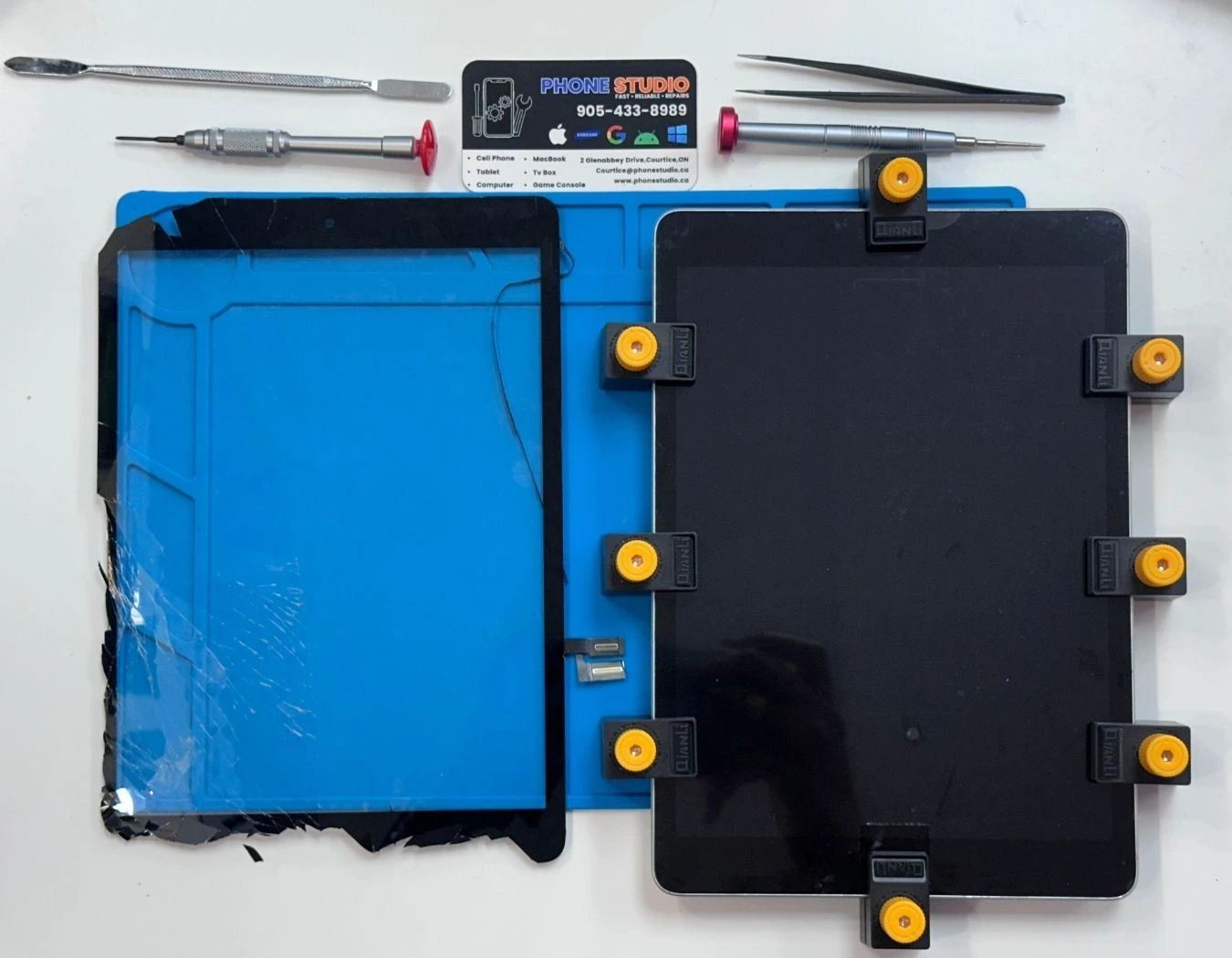
Let’s fix it for you!
iPad & Tablet Repair
Tablets are used for everything from kids’ schoolwork and games to business, streaming and travel. When they break, it’s a headache.
At Phone Studio, we repair most iPads and Android tablets for families, students and businesses in Courtice, Oshawa and Bowmanville.
You’ll deal directly with the technician, get an honest opinion on whether the repair is worth it, and only move forward if it makes sense for you.
Have questions
about a repair?

Call Us
905-433-8989
iPad & Tablet Repairs at Phone Studio
Walk-ins welcome • Clear quote before repair • 90-day warranty on repairs

iPad Screen & Glass Repair
Cracked glass, lines, black screen, or touch not working? We repair iPad and tablet screens.

Button repair
Button stuck or not responding? We restore iPad/tablet button function so you can lock, wake, and restart normally.

Microphone repair
People can’t hear you on calls or recordings? We repair iPad/tablet microphone issues.

Battery Replacement
Battery draining fast, shutting down, or swelling? We replace iPad and tablet batteries.

Camera repair (front / rear)
Camera not focusing, or blurry photos? We troubleshoot and repair front or rear camera issues.

Water damage repair
Spill or water exposure? We inspect for liquid damage and explain repair options before any work starts. If the tablet won’t power on after water damage, our data recovery service can often save photos and files.

Charging Port Repair
Not charging or only charging at an angle? We diagnose iPad/tablet charging issues.

Speaker repair
No sound, low volume, or crackling audio? We inspect and repair iPad/tablet speaker problems.

Other issues
Boot loop, freezing, Wi-Fi problems, or something else? We can diagnose your iPad/tablet.
Not sure which repair you need? Book a check-in and we’ll quote before we start.
What we can fix on iPads & tablets
- Cracked front glass or fully broken displays
- Touch not responding or only working in some areas
- Lines, black spots or no image on the screen
- Weak or swollen batteries that don’t hold charge
- Not charging, loose ports or cable only working at certain angles
- Sound issues (speakers, headphone jack if present)
- Cameras not opening or showing a black screen
- Wi-Fi or Bluetooth connection problems
- Boot loop / stuck on logo / stuck updating
- Liquid damage inspections and data-focused repair attempts
How Our iPad & Tablet Repair Process Works

Bring your device into our Courtice shop or contact us first with the model and issue.

We inspect the problem, explain options, and confirm the price before starting.

We repair, test the device, and return it ready to use. Warranty included on repairs.
Simple, transparent repairs for phones, tablets and computers in Courtice.
Pricing & Warranty for iPad & Tablet Repairs
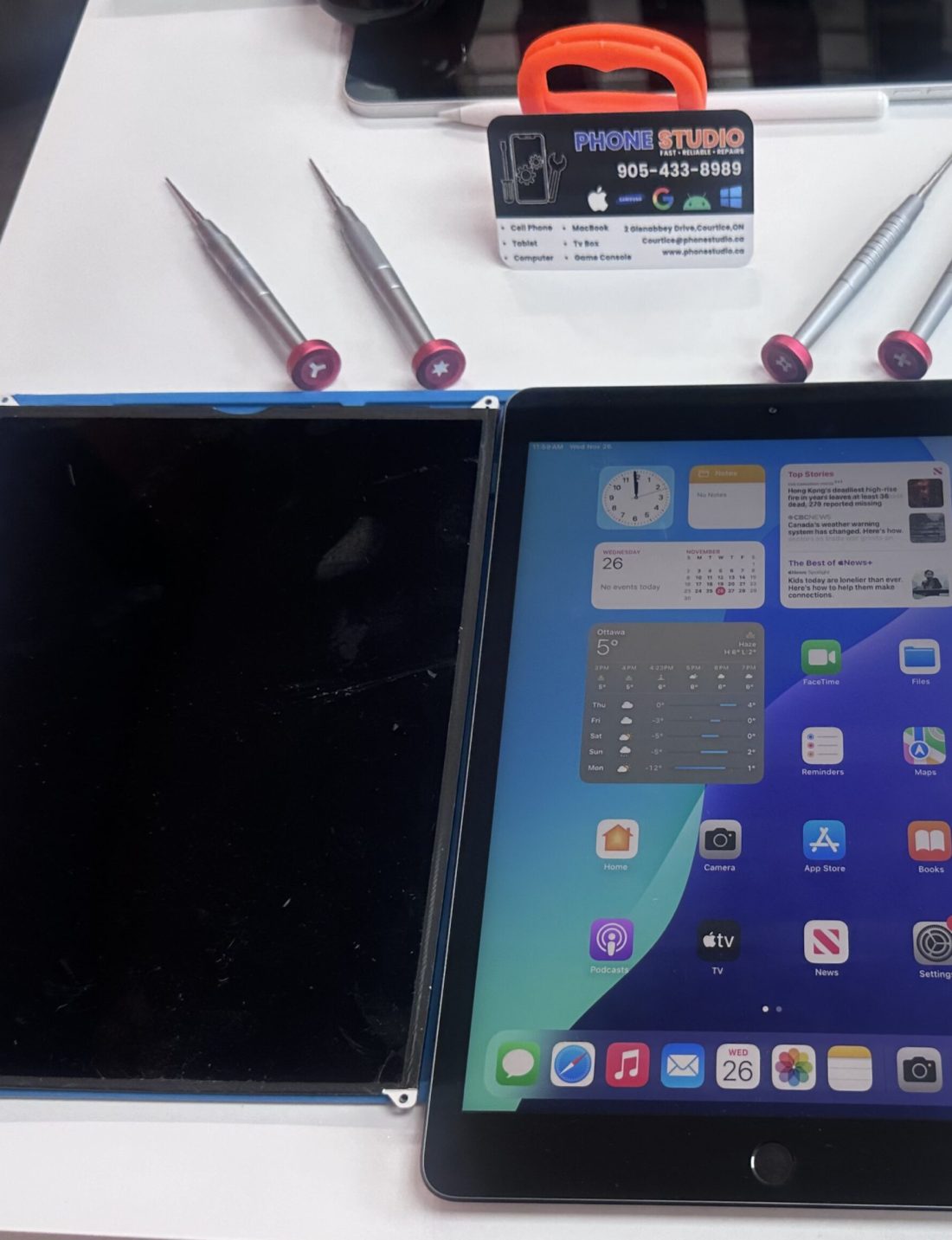
Pricing depends on the tablet model, the type of damage and parts availability. We always confirm the cost with you before starting any repair.
- Quality replacement parts suitable for your model
- Professional installation and testing
- A 90-day parts & labour warranty on the repair
For older or heavily damaged tablets, we’ll be honest if the repair cost doesn’t make sense compared to replacing the device.
We also repair laptops and MacBooks if you’re thinking about switching from a tablet.
we repair it all









faq
iPad & tablet repair FAQ
Simple repairs like some screens or batteries may be done the same day or next day, depending on parts availability and current workload. More complex issues, especially on newer iPad Pro models, may require extra time.
We work on most iPad models, including standard, mini, Air and Pro versions. For very old models, we’ll let you know if parts are still available and whether the repair is worth it.
For most screen, battery and charging port repairs, your data should stay intact. However, no repair shop can guarantee data—especially after liquid damage or severe board issues. When possible, we recommend backing up important photos and files.
A cracked screen can get worse over time, and small glass pieces can become a safety issue, especially for kids. It’s usually better to fix it sooner, but we’ll give you an honest opinion based on the model and overall condition.
On some tablets, the front glass (digitizer) and display are separate parts; on others, they’re fused together. We’ll explain which type your model uses and what the repair involves before you decide.
Yes. In many cases, a charging port clean or replacement will solve the issue. We’ll inspect the port for dust, bent pins and internal damage, and if needed, replace the port or check for deeper board problems.
Yes, and this should be treated as urgent. If the back of your tablet is lifting or the screen is pushing out, turn it off and bring it in as soon as possible. Swollen batteries can be unsafe if ignored.
It depends on the model and what you use it for. Sometimes a single repair (like a new battery or screen) can give an older iPad a couple more useful years. Other times, the money is better put toward a newer device. We’ll give you an honest opinion either way.
Yes, we can help with repairs for multiple devices used in classrooms, offices or field work. If you manage several tablets, contact us and we can discuss options for bulk or repeat repairs.
Liquid damage is always tricky and no outcome can be guaranteed. However, we can often clean and inspect the internals, try to restore functionality or at least attempt to recover data. The sooner you bring it in after contact with liquid, the better the chances.