
5 out of 5 stars
Google review
These guys are awesome always, always like to come back here for my devices.Care and they help me to set up my new phones. Highly recommend Great store in courtice
DaveCourtice · Phone setup
Carrier unlocks, new-phone setup, data transfers, and email and password help: the stuff a friendly nephew used to do, from Matt, our head technician, who has 9+ years of hands-on experience, and VJ, who works the bench with him.
5.0 on Google, 320+ reviews
Phones sold new in Canada have come unlocked since 2017, but plenty still arrive locked: second-hand phones, phones bought in the US or overseas, and older devices from before the rule changed. We only unlock devices you legally own, and iCloud Activation Lock can only be cleared by the account owner or Apple.
Unlock a Bell / Rogers / Telus / Freedom phone (also called a SIM unlock) to use on any network worldwide, or a phone bought outside Canada that won't take a SIM. Most carrier unlocks take 1 to 3 business days; setup and transfers take about 30 minutes.
Move contacts, photos, messages, WhatsApp and apps from your old phone to your new one, including when an iCloud restore won't finish.
Switching between iPhone and Android usually loses things. We move what can be moved and tell you what can't.
Password resets you can't do alone, and 2-factor lockouts when you can prove the account is yours.
We set up Gmail, Outlook, iCloud and Yahoo on your phone, tablet and laptop.
Sit with us for 30 minutes and leave knowing how to use the device you just bought.
What customers say about setup and unlocks. 5.0 stars on Google across 320+ reviews.
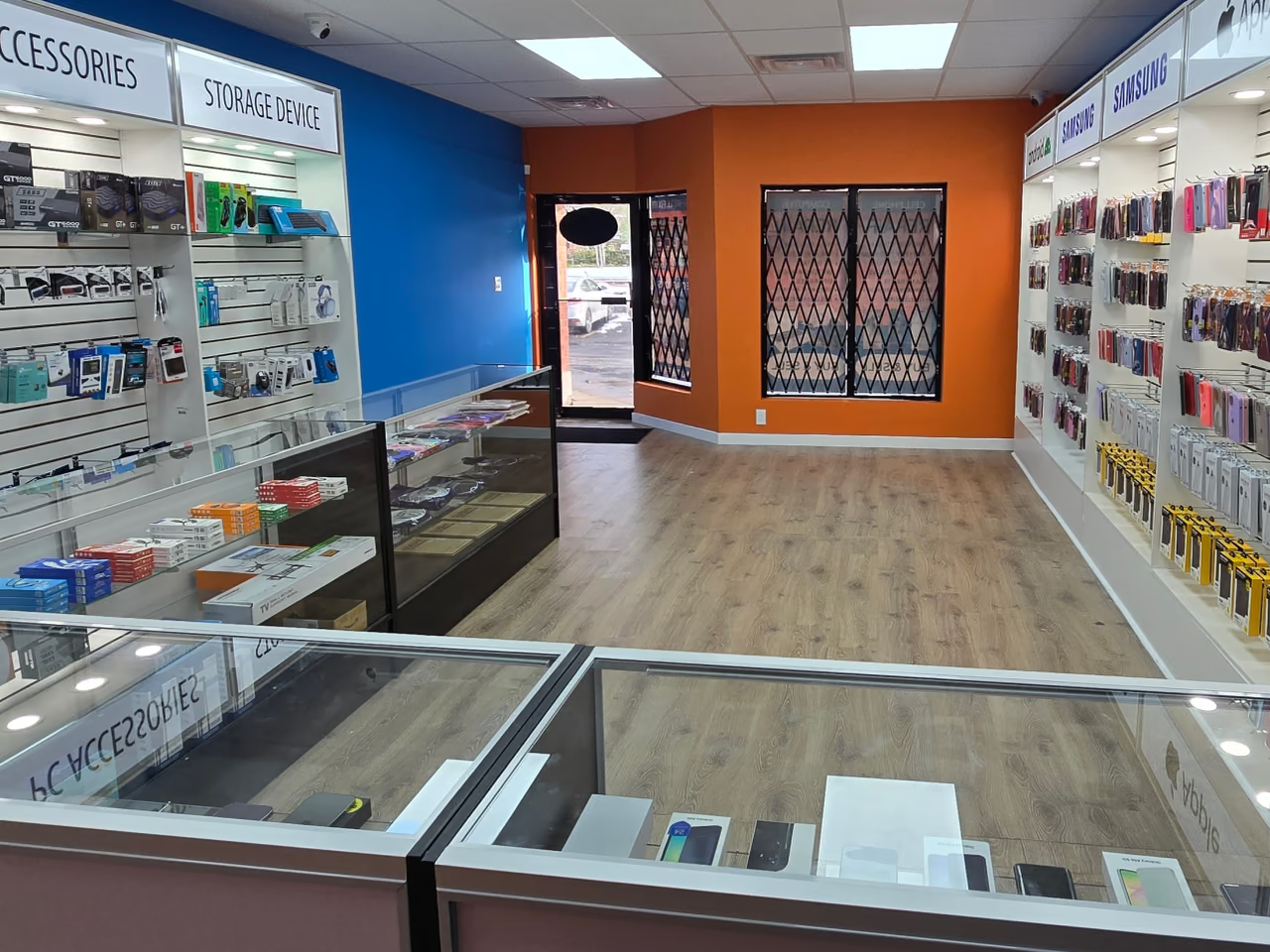
In the plaza at Townline Rd S, just north of Bloor St E. Look for the orange sign. Free parking is right out front.

Hours
courtice@phonestudio.ca
A carrier lock, a forgotten passcode, a setup you can't finish. Tell us the device and most quotes come back inside 30 minutes during shop hours.
Or talk to us now.
Yes. Under the CRTC's Wireless Code, phones sold by Canadian carriers since December 2017 come unlocked, and if your phone is on a contract or prepaid plan with the carrier that sold it, they must unlock it for free on request, so ask them first. Former customers, imported and second-hand phones can differ, and that's where we help. We unlock legally owned devices only; we won't unlock a device flagged as lost or stolen.
We unlock carrier-locked iPhones if you legally own the device. iCloud Activation Lock requires the owner's Apple ID and password. We cannot bypass it (and reputable shops never claim to).
Most carrier unlocks (also called SIM unlocks) are completed inside 1–3 business days. Sometimes same-day, depending on the carrier and method.
Yes. Bring both phones and be ready to sign in to your accounts yourself. What moves across depends on the two phones, how much data there is and which accounts you can access: contacts and photos usually transfer, while messages, WhatsApp chats and apps can be limited between iPhone and Android. A simple transfer often takes about 30 minutes; a large or cross-platform one takes longer.
Yes, using Quick Start in the shop. Bring both phones, and you enter your Apple ID password yourself when asked. It usually takes about 30 minutes, longer with a lot of data.
We can guide you through Apple's recovery process if you have your linked email or trusted phone number. Without those, only Apple themselves can recover an Apple ID, but we'll help you talk to them.
Unlocking and setup help is handled at our Courtice store at 2 Glenabbey Dr, Unit 5. We're one Courtice bench serving customers from Oshawa, Bowmanville, Whitby and across Durham Region. Walk in, no appointment needed.