
Jump to a section
A laptop that won’t charge isn’t necessarily dying. A MacBook with a black screen isn’t necessarily totalled. A spilled coffee isn’t necessarily the end. Here are the five problems we see most often on the bench, what may be wrong, and what to ask before repair.
1. “It won’t charge.”
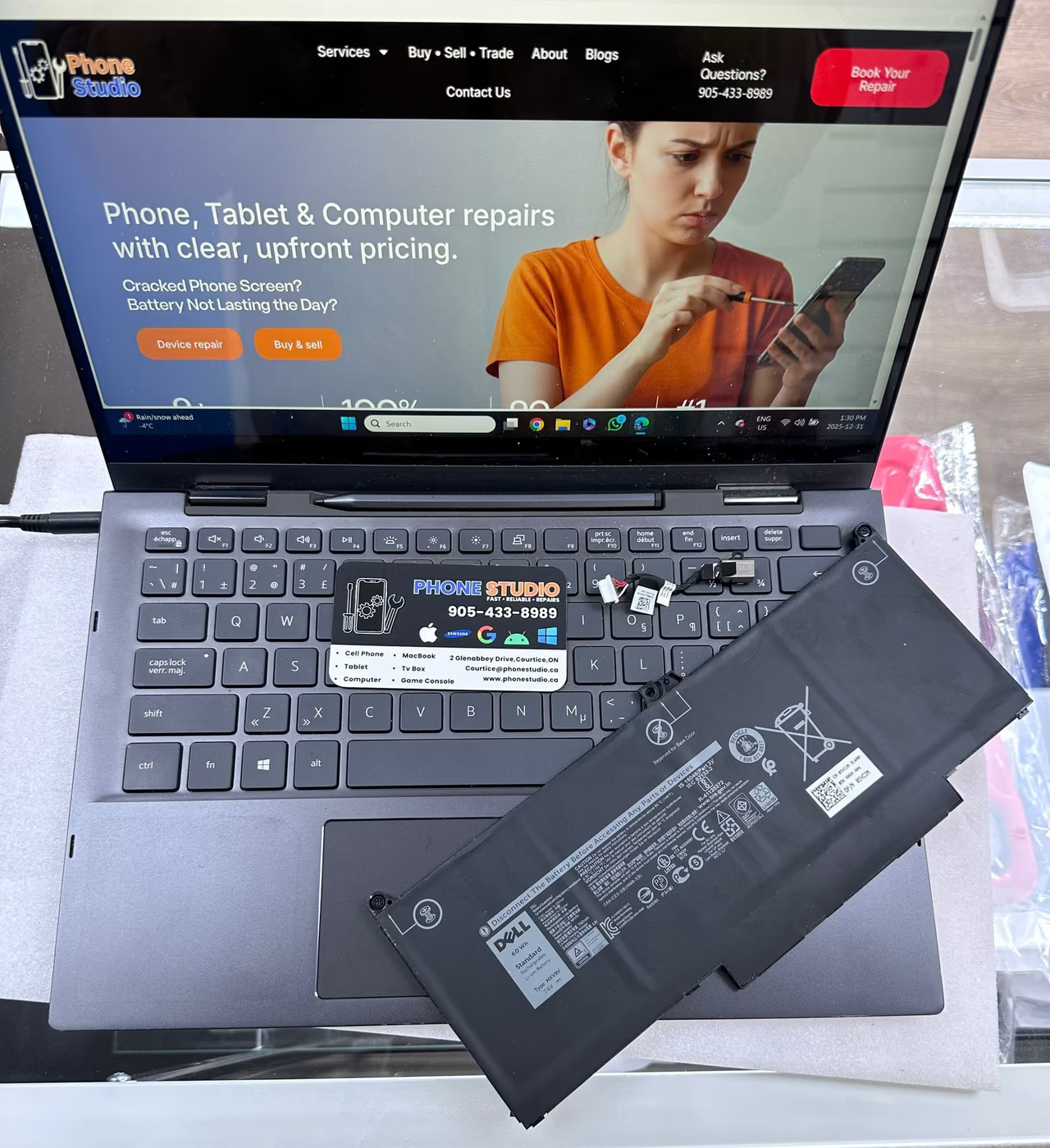
This is a common inquiry. A worn battery, damaged charge port or board-level charging fault can all look the same from the outside. We test the charging path before recommending a part.
What you should expect: a free diagnosis to identify the fault and a clear written quote before any work. Battery, port and board-level jobs are quoted for the specific machine.
| Symptom | What we check |
|---|---|
| Won’t charge | Battery, port and charging circuit |
| Won’t power on | Power input, board and display |
| Cracked or dark screen | Panel, backlight and cable |
| Hot or loud | Fan, dust and cooling system |
| Liquid spill | Corrosion and affected components |
2. “It won’t turn on at all.”
A dead laptop is scarier than a dying one because it gives no clues. On the bench, our first move is to check whether the board is taking power. If it is, we move up the chain to display and graphics. If it isn’t, we’re into board-level diagnostics.
A no-power fault may come from a failed charging component, a corroded power filter or another board issue. Component-level repair can be worthwhile when the rest of the machine is healthy, but it takes a bench diagnosis to know.
Not sure which of these your machine has? Bring it to the bench in Courtice for a free diagnosis. We do board-level laptop and MacBook work in-house, and you get a written quote before repair begins.
3. Cracked screen or backlight gone
Laptop screens are often replaceable as an assembly. The work depends on the model, its display construction and whether the frame or cable was damaged. Some MacBook display repairs require replacing the full display assembly. Ask what part the quote includes.
If the picture is there but the backlight is gone, a fuse or display cable may be at fault. Ask for a backlight test before agreeing to a full panel.
4. Loud fans, sluggish performance, random shutdowns
Heat, dust-clogged cooling, dried-out thermal paste or a failing fan can cause these symptoms. A temperature check under load helps distinguish them from other faults.
A thermal service may involve cleaning the heatsink, replacing thermal paste and checking temperatures under load. We explain what the machine needs and quote it before work starts.
5. Liquid spill
A spilled drink is the most time-sensitive of the five. Power off if you can, unplug it and do not turn it back on to test it. Continued use can worsen liquid damage.
On the bench, we inspect the affected parts and decide whether disassembly and board cleaning are appropriate. Some laptops can be repaired after a spill; others have damage that cannot be reversed. We explain the scope of our no-fix, no-fee recovery work before starting.
When it’s genuinely time to replace
A repair can make sense on a machine you like, but there are also reasons to consider replacement:
- The repair quote is close to or above an equivalent replacement.
- The machine is ageing and you rely on it daily for work.
- macOS or Windows no longer supports the hardware and updates have stopped.
- It has a structural problem (hinges, bent chassis) on top of the electrical one.
If you bring a laptop in and the honest answer is “replace it,” we will say so. That’s the whole point of a free diagnosis.
Frequently asked questions
A worn battery, damaged charge port or board fault can all cause this symptom. A free diagnosis identifies the fault, and you get a written quote before any work starts.
Often, yes. A failed charging component or damaged power circuit may be repairable without replacing the whole board. We check the fault before recommending repair or replacement.
Compare the written quote with an equivalent replacement, then consider software support, structural damage and how long you need the laptop to last. Age or a single price threshold cannot settle every case.
About the author
Matt · Head Technician
Matt is the head technician at Phone Studio, the single-storefront repair shop in Courtice serving Durham Region. He and VJ run the bench with 9+ years of hands-on repair experience. The same technician who diagnoses your device gives the quote and does the repair.
More about Matt & the team →Next step
Talk to the tech who will do the repair.
Free diagnosis and a clear quote before any work. Same-day repair available, depending on parts and how busy we are.
Call 905-433-8989Get a quote →
